> ## Documentation Index
> Fetch the complete documentation index at: https://bruno-a6972042-docs-clustered-top-nav.mintlify.site/llms.txt
> Use this file to discover all available pages before exploring further.
# Document a Folder
To add Folder-level documentation in Bruno, you need to first create a folder within your collection. Once the folder is created, you can add specific details for the folder-level API documentation.
## Create Folder Docs
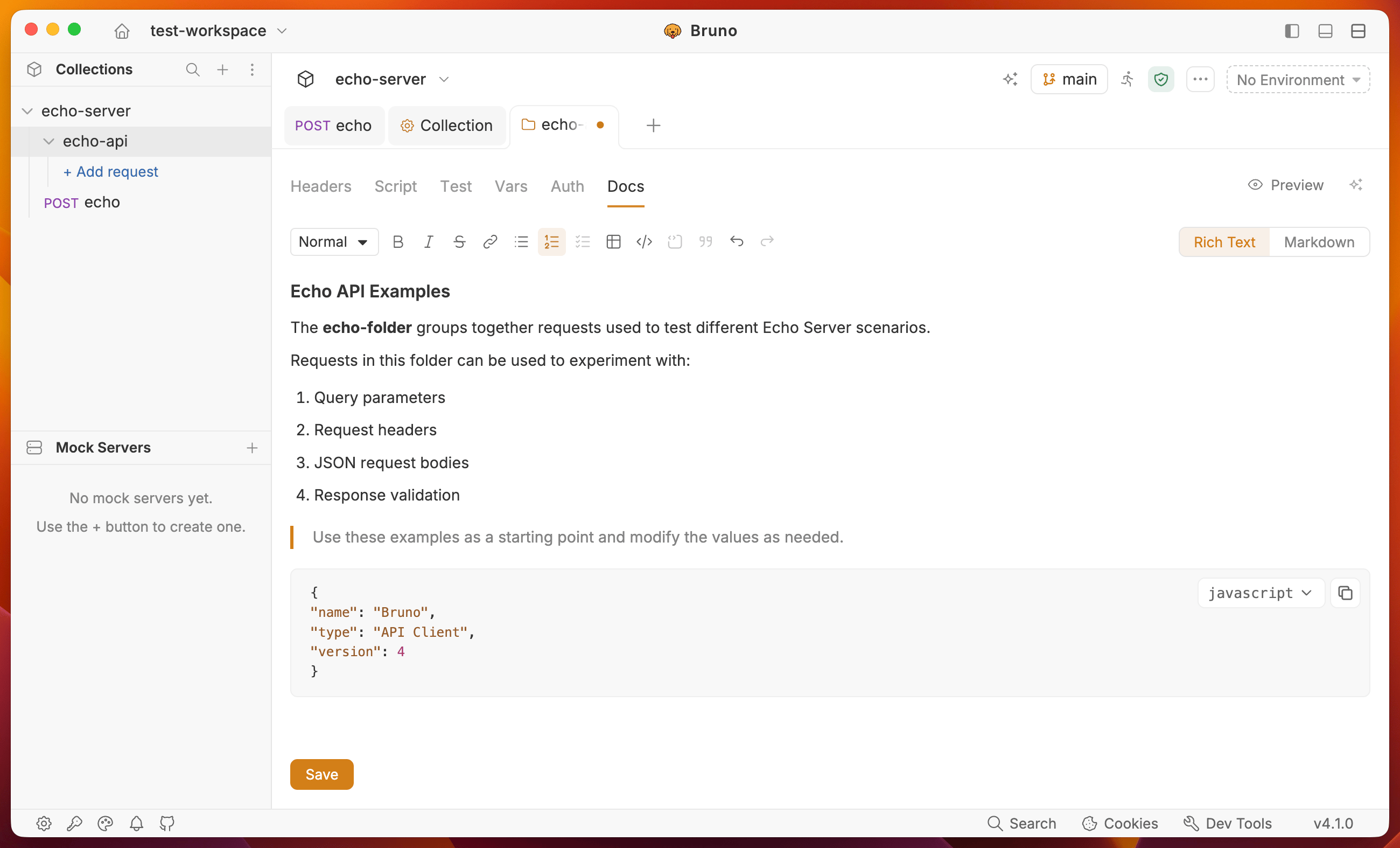
1. Navigate to the folder level settings by clicking on the folder name in the sidebar.
2. Go to the Docs tab and click the **Edit** button to write your documentation.
3. Click the **Save** button to view the formatted output.
You can use the rich text editor (default) or markdown editor to write your documentation.