> ## Documentation Index
> Fetch the complete documentation index at: https://bruno-a6972042-docs-clustered-top-nav.mintlify.site/llms.txt
> Use this file to discover all available pages before exploring further.
# Document a Workspace
Bruno allows you to add documentation at the workspace level, providing a centralized place for high-level information about your entire workspace. Workspace documentation is ideal for onboarding new team members, explaining the workspace structure, and documenting organizational standards.
## Create Workspace Docs
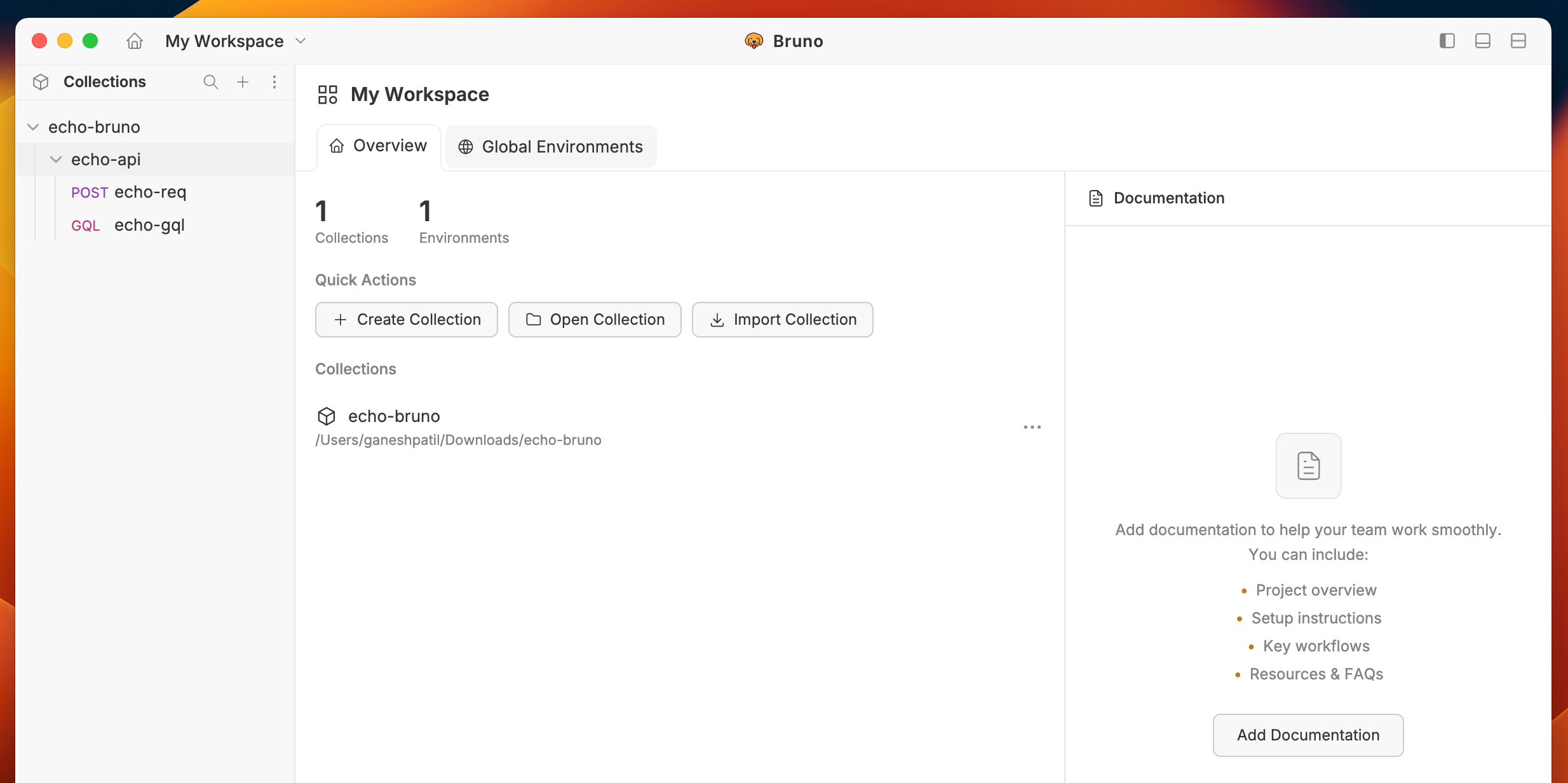
1. Navigate to your workspace settings by clicking on the home icon.
2. Click on **Add Documentation** button.
 3. Add your documentation in the textarea section in markdown format.
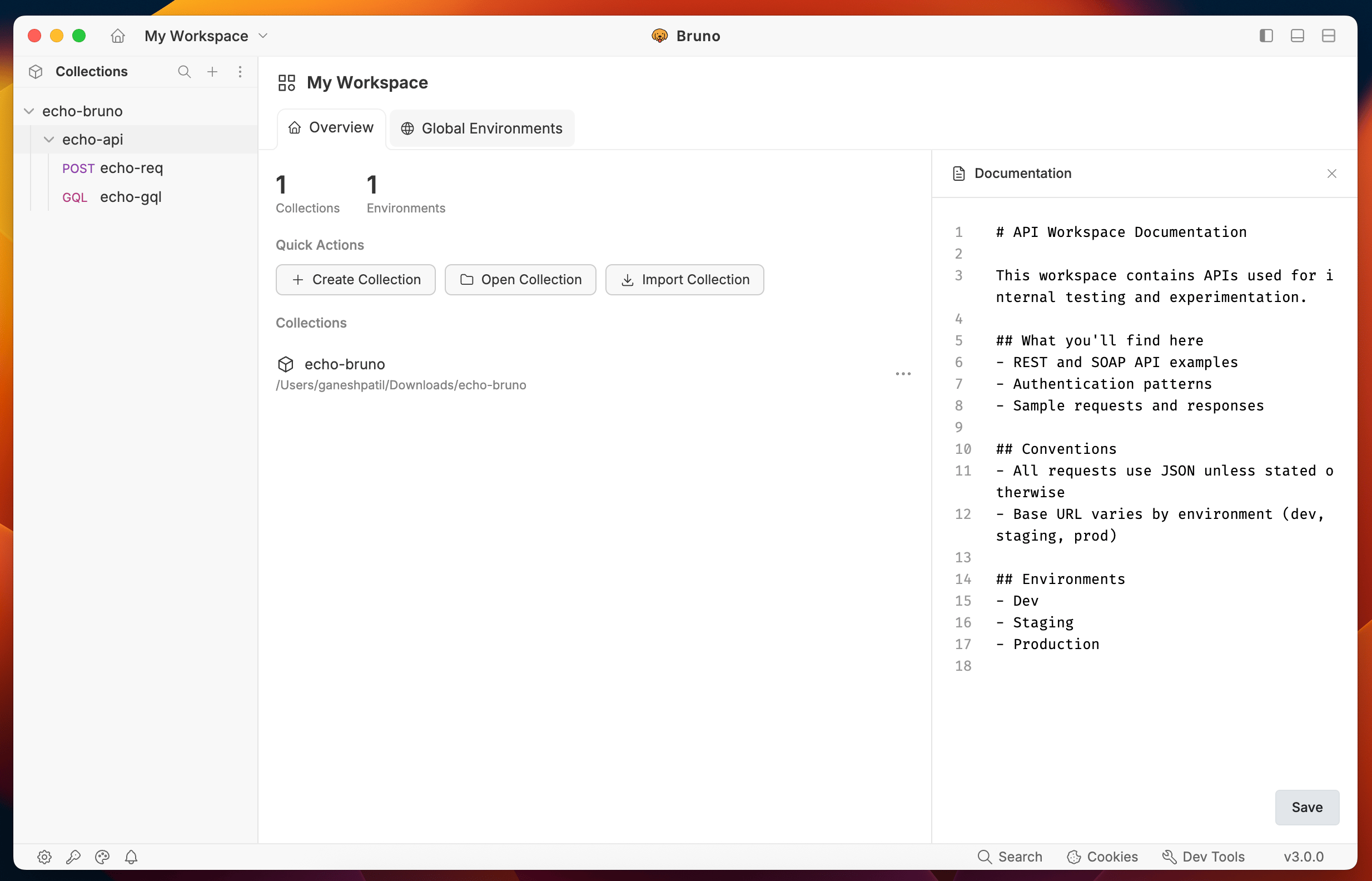 4. Click save button to save your documentation.