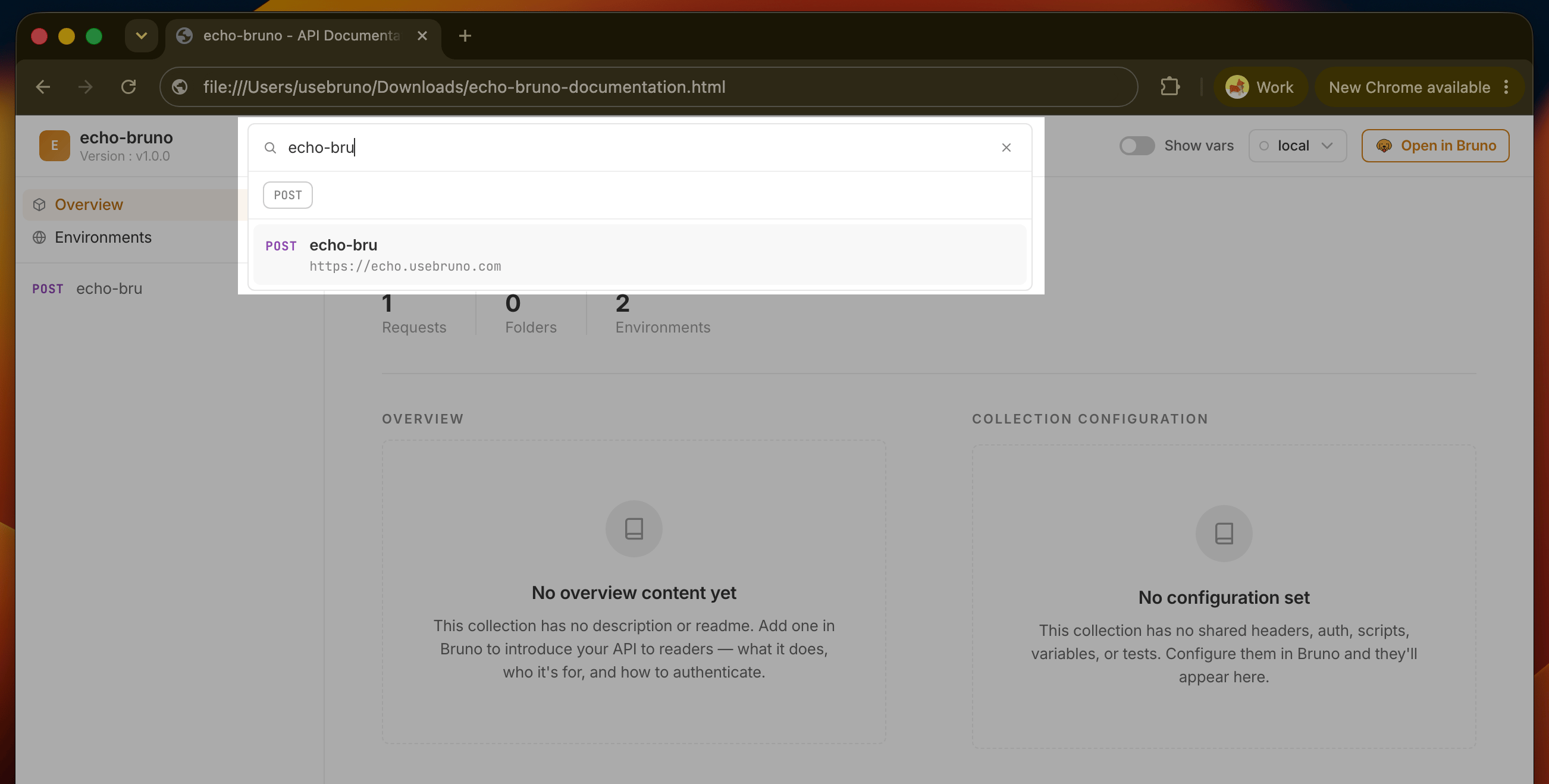
Search Requests
Click the search bar in the header or press⌘K / Ctrl+K to open the search palette. Press Escape or the close button to dismiss it.
- Searches across request name, URL, params, description and folders
- Results show HTTP method badge, request name, folder breadcrumb, and resolved URL
- Filter by method using GET / POST / PUT / DEL chips
- Filter by folder to narrow results to a specific part of the collection
- Clear all resets both the query and all active filters
- Selecting a result navigates directly to that request’s page